
7 Common Website Mistakes That Drive Customers Away
Your website is often the first place customers visit to learn about your business and services. But poor design or user experience can reduce trust and drive potential customers away before they choose your business.
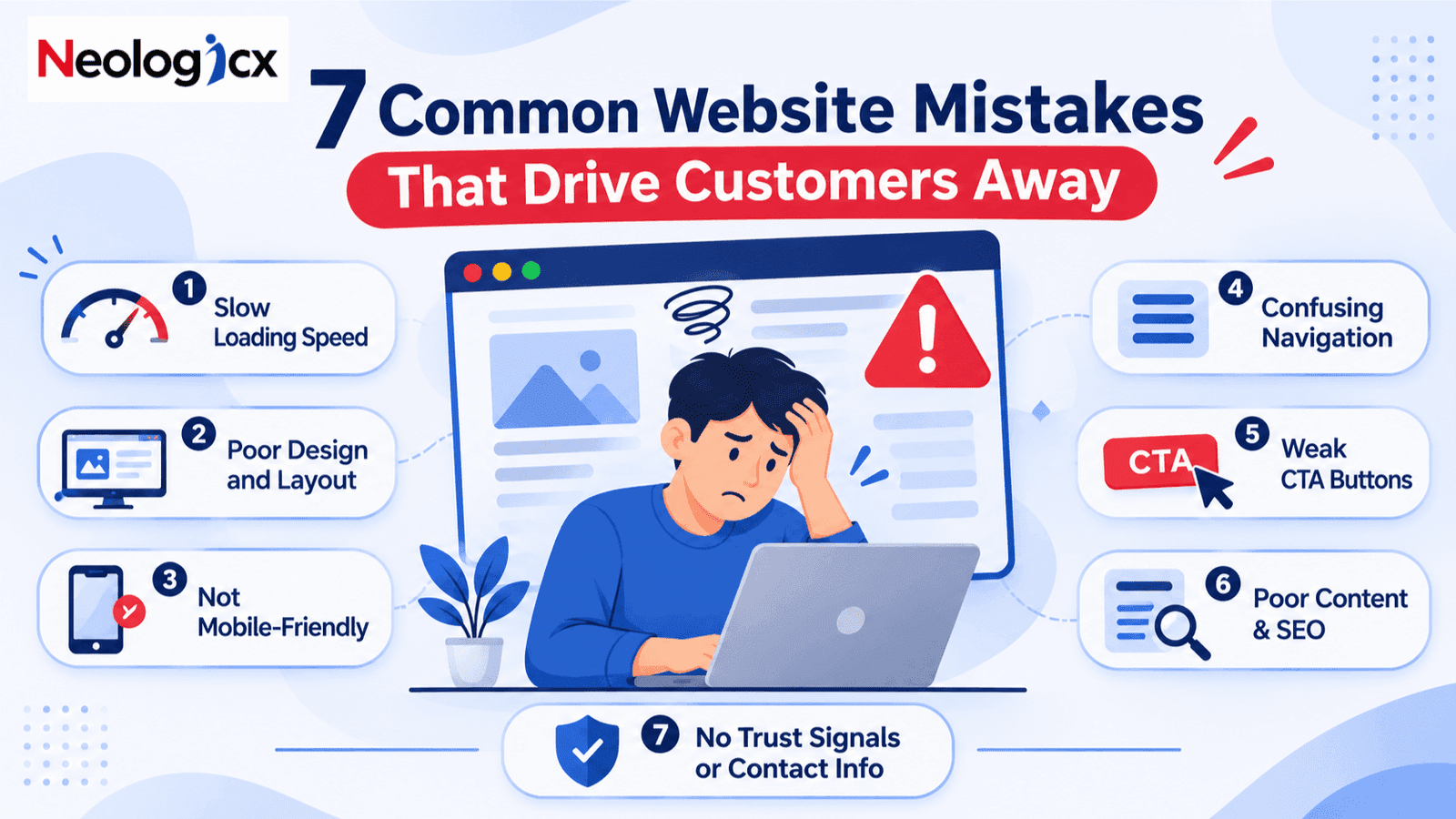
Your website is often the first place people visit before choosing your business. It helps them learn about your services, understand what you offer, and decide whether they should trust you.
But what if your website is actually pushing potential customers away?
A slow website, confusing design, or hard-to-use navigation can make visitors leave within seconds. And the worst part? You may never know how many customers you are losing.
The good news is that most website problems are easy to fix.
In this blog, we will look at 7 common website mistakes that drive customers away and how you can fix them to create a better user experience, improve website performance, and turn more visitors into customers.
1. Slow Website Loading Speed
Imagine visiting a website and waiting 5–10 seconds just for the homepage to load. Would you wait or move to another website?
Most people choose the second option.
Website loading speed plays a big role in user experience. A slow website can frustrate visitors, increase bounce rates, and affect your Google search rankings.
Why does it happen?
- Large image and video files
- Too many plugins
- Poor website hosting
- Unnecessary code and scripts
How to fix it:
Optimize images before uploading them, remove unused plugins, use reliable hosting, and improve your website code. You can also test your website using Google PageSpeed Insights to find areas that need improvement.
Remember, a fast website gives visitors one less reason to leave.
2. Poor Website Design and Layout
Your website design creates the first impression of your business.
If visitors land on a website with too many colors, messy layouts, or outdated designs, they may find it difficult to trust your brand.
A good website does not need to look complicated. It needs to look clean, professional, and easy to understand.
Common website design mistakes include:
- Too many colors and font styles
- Cluttered homepage sections
- Poor spacing between content
- Low-quality images
- No clear focus on important information
How to fix it:
Choose a simple color combination that matches your brand. Use readable fonts, high-quality images, and enough white space.
Keep your homepage clean and make sure visitors can quickly understand what your business does.
A well-designed website helps build trust before you even speak to a customer.
3. Website Not Mobile-Friendly
Think about how often you use your phone to search for products, services, or businesses.
Your customers do the same.
If your website does not work properly on mobile devices, you could be losing a large number of potential customers.
A mobile-friendly website should adjust to different screen sizes without making users zoom in, scroll sideways, or struggle to click buttons.
Signs your website is not mobile-friendly:
- Text is too small to read
- Images do not fit the screen
- Buttons are difficult to click
- Menus are hard to use
- Content looks broken on mobile screens
How to fix it:
Use a responsive website design that works smoothly on mobile phones, tablets, and desktops.
Test your website on different screen sizes and make sure all buttons, forms, images, and menus work properly.
Your website should offer a smooth experience, no matter which device your visitors use.
4. Confusing Website Navigation
Visitors come to your website looking for answers.
They want to know what you offer, how much it costs, and how they can contact you.
But if they cannot find this information easily, they may leave.
Poor website navigation makes even a great website difficult to use.
Common navigation mistakes:
- Too many menu options
- Unclear page names
- Important pages hidden in the menu
- No clear path to contact the business
- Broken links or buttons
How to fix it:
Keep your website menu simple and organized.
Use clear page names such as Home, About Us, Services, Portfolio, and Contact Us.
Make important information easy to find and add clear links between related pages.
The goal is simple: help visitors find what they need without making them think too much.
5. Missing or Weak Call-to-Action (CTA) Buttons
Imagine a visitor likes your services, explores your website, and decides they want to work with you.
But then they cannot figure out what to do next.
Should they call you? Fill out a form? Book a meeting?
This is where call-to-action buttons make a difference.
A CTA tells visitors what action they should take next.
Examples of effective CTA buttons:
- Get a Free Quote
- Book a Consultation
- Talk to Our Team
- Explore Our Services
- Start Your Project
How to fix it:
Add clear CTA buttons to important website sections.
Place them on your homepage, service pages, and contact page. Use action-based words that tell visitors exactly what will happen when they click.
Also, make sure your CTA buttons stand out and work properly on mobile devices.
A good website should not just provide information. It should guide visitors towards taking action.
6. Poor Website Content and SEO
Your website may look amazing, but if your content does not answer what visitors are searching for, they may not stay for long.
Website content helps people understand your business, services, and the value you offer.
It also helps search engines understand your website and show your pages for relevant searches.
Common content and SEO mistakes:
- Missing or poorly written page titles
- No proper heading structure
- Keyword stuffing
- Duplicate content
- Missing meta descriptions
- No useful blog content
- Poor internal linking
How to fix it:
Write website content that answers real customer questions.
Use relevant keywords naturally in your page titles, headings, URLs, and content. Write helpful meta descriptions and organize your pages with proper headings.
For example, if you offer website development services, use relevant search terms like "website development company," "custom website development," and "responsive web design" where they fit naturally.
You can also publish helpful blogs to answer common questions and bring more organic traffic to your website.
Good SEO is not about adding keywords everywhere. It is about creating useful content that people actually want to read.
7. No Trust Signals or Clear Contact Information
Would you buy from a business if you could not find its contact details, customer reviews, or any proof of its work?
Probably not.
People want to feel confident before spending their money. If your website does not build trust, visitors may choose a competitor instead.
Trust-related website mistakes include:
- No customer testimonials
- No project portfolio
- Missing contact details
- No information about the business
- No social media links
- No clear information about services
How to fix it:
Show visitors why they should trust your business.
Add real customer reviews, completed projects, client feedback, and an easy-to-find About Us page.
Display your business email, phone number, and contact form clearly.
If you have worked on successful projects, showcase them in your portfolio. Real examples help potential customers understand what you can do for them.
Remember, trust is not built through promises alone. It is built through proof.
Bonus Tip: Keep Your Website Updated
Fixing these seven mistakes is a great start, but website improvement does not stop there.
Technology changes, customer needs change, and your business grows over time.
Make sure your website stays updated with:
- Fresh and useful content
- Updated business information
- Working links and forms
- Security updates
- New projects and services
- Regular website performance checks
A website that is regularly maintained gives visitors a better experience and helps your business stay ahead.